
Few emails are more frustrating than receiving an invalidation notice from your local council planning department.
The application fee has cleared, the Planning Portal confirmed receipt, and you thought the 8-week statutory countdown was underway. Then the validation officer's email lands: the application is invalid because the submitted plans are incomplete, inconsistent, unscaled, or drawn on an unapproved base map.
The first thing to understand is that an invalidation is not a refusal. The council is not judging your design or declining permission. They are simply stating that the documentation fails the mandatory national or local validation checklist.
This guide helps you diagnose the exact problem cited in your letter, fix the underlying mapping defect, and get your application validated without further delays.
If you already know the wider context map was rejected, start with our site location plan generator. If the issue lies with the detailed plot drawing, go to the block plan tool. To ensure both plans match perfectly, rebuild your pack using our coordinated Ordnance Survey planning maps tool.

If your council rejected a location plan or block plan, this guide shows the exact map problems to fix before you resubmit and lose more time.
How to Diagnose the Rejection
Do not redraw everything blindly or re-upload the same file with a different name. Read your council's validation letter and identify which of these five failure categories is cited:
| Council Letter Clue | Underlying Defect | Immediate Solution |
|---|---|---|
| "Red line boundary incomplete" / "Access to highway omitted" | The red boundary was drawn too tightly or stops at the garden gate. | Redraw the site location plan with the red line extending to the adopted road, and mirror it on the block plan. |
| "Site cannot be identified" / "Inappropriate scale" | The map scale is wrong (e.g. 1:2500 in a city) or lacks two named roads. | Regenerate at standard 1:1250 scale showing clear surrounding street context. |
| "Block plan / detailed site plan required" | Only the 1:1250 location plan was provided for building works. | Add a detailed 1:500 block plan showing proposed works and boundary setback dimensions. |
| "Base map unacceptable" / "Unlicensed map" | Screenshot used from Google Maps, Apple Maps, or Land Registry title plan. | Replace with official licensed Ordnance Survey MasterMap vector mapping. |
| "Inconsistent drawings" | Red line on location plan does not match red line on block plan. | Regenerate both plans from a single planning map pack so boundaries align. |
The Five Common Rejection Categories in Detail
1. Defective Red-Line Boundary
This is the single most common reason validation teams bounce an application.
- The Problem: The applicant outlined only the house or extension footprint, or stopped the red line at the driveway gate.
- Why the Council Rejects It: Planning permission attaches to the entire planning unit. Crucially, the red line must include the access route to the public highway. If the driveway is omitted, the council cannot legally grant permission because the site has no verified access for construction, waste, or emergency services.
- The Fix: Redraw the red line around the entire domestic curtilage (house, gardens, driveway) and extend it along private tracks until it touches the adopted council road.
2. Wrong Map Scale or Inadequate Context
- The Problem: Submitting a 1:500 block plan in place of the wider 1:1250 location plan, or submitting a rural 1:2500 map for an urban terraced house where the building looks tiny.
- Why the Council Rejects It: Planning technicians must locate the property on their central GIS systems and cross-reference Tree Preservation Orders (TPOs), Conservation Areas, and listed buildings. If street names or surrounding parcels are missing, the map is unusable.
- The Fix: Ensure your location plan is drawn at 1:1250 (with at least two named roads visible) and your block plan is drawn at 1:500.
3. Unlicensed or Informal Base Mapping
- The Problem: Submitting a satellite screenshot, a snip from an online street map, or a downloaded Land Registry title plan.
- Why the Council Rejects It: Local planning authorities are legally obligated to publish application plans on their public register. Publishing unlicensed copyright material infringes commercial copyright. In addition, satellite photos suffer from lens tilt and cannot be measured with a metric scale ruler.
- The Fix: Download an official plan built on licensed Ordnance Survey MasterMap data displaying a valid Crown copyright statement and partner licence code.
4. Missing Mandatory Validation Elements
- The Problem: The map is broadly accurate, but lacks essential technical annotations:
- Missing metric scale bar (e.g. 0m, 5m, 10m, 20m)
- Missing True North arrow
- "Do not scale" disclaimer printed on the sheet
- Print scaling distortion (e.g. printed with "Fit to Page" enabled)
- Why the Council Rejects It: Case officers must measure dimensions directly from the plan. Without a graphic scale bar, on-screen calibration is impossible.
- The Fix: Re-export the plan as a clean vector PDF with all standard map furniture intact, and ensure printer settings are set to 100% / Actual Size.
5. Inconsistency Between Documents
- The Problem: The red-line boundary on the 1:1250 location plan follows the garden fence, but the 1:500 block plan excludes the side path. Or the planning application form describes works on land that falls outside the red line.
- Why the Council Rejects It: An application pack must present an unambiguous legal definition of the site. Inconsistent boundaries create legal uncertainty over what land is being approved.
- The Fix: Treat the pack as a coordinated unit. Set your red line once on the location plan, mirror it identically on the block plan, and verify that the proposal description matches both drawings.
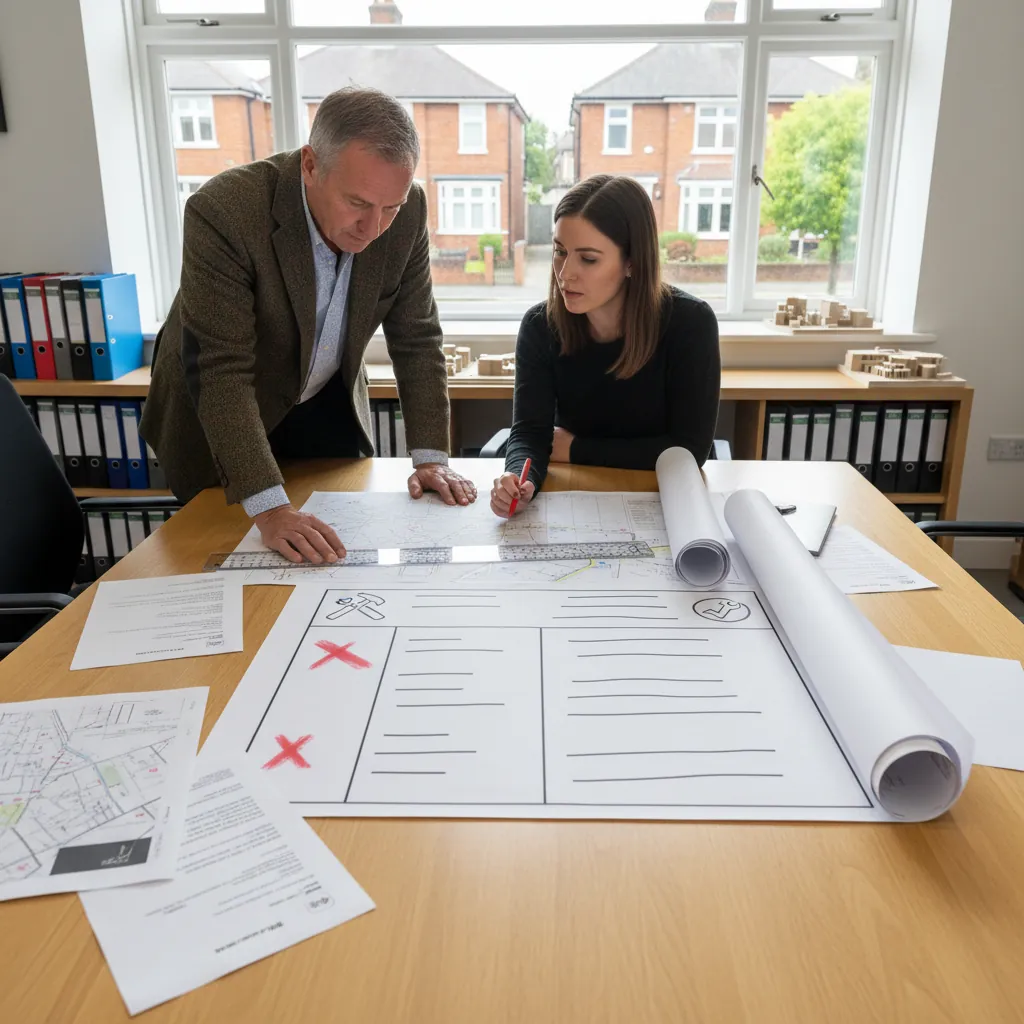
Fast diagnosis table: invalid reason and likely fix.
Re-Submission Protocol: Step-by-Step
To get your application out of validation hold as quickly as possible:
- Read the Council's Specific Wording: Note down the exact reasons listed in the invalidation notice.
- Determine the Required Remedy: Do you need to adjust the red boundary, add a missing block plan, or replace an unlicensed base map?
- Generate Fresh, Coordinated Plans: Use an official OS partner tool to create your 1:1250 Location Plan and 1:500 Block Plan in a single session so the boundaries match perfectly.
- Conduct a Pre-Flight Check: Verify the presence of the red line to the highway, north arrow, graphic scale bar, and OS copyright notice.
- Upload with Clear File Labels: Name the replacement files clearly on the Planning Portal (e.g.
Site_Location_Plan_1250_Amended.pdfandBlock_Plan_500_Amended.pdf) and notify your validation officer.
The 21-Day Invalidation Deadline: Why You Must Act Fast
When a council sends an invalidation letter, they do not hold your application indefinitely. Most local authorities enforce strict administrative deadlines under local operational policy:
- The Standard 21-Day Window: Councils typically grant applicants 21 days (or 28 days in some metropolitan boroughs) from the date of the letter to rectify all outstanding validation deficiencies.
- The Consequence of Missing the Cut-Off: If corrected planning maps are not uploaded before the deadline expires, the council will formally dispose of the application. The file is closed and deleted from the planning portal queue.
- Financial Penalties: While the council must refund the statutory application fee for an unvalidated submission, many local authorities deduct an administrative handling fee (typically £30 to £65) to cover registration overheads. To restart, you must re-enter every detail into the Planning Portal and pay all processing fees a second time.
Challenging an Invalidation: The Article 12 Procedure
What happens if a council validation officer rejects your planning map unfairly—for example, demanding a brand new topographical land survey for a minor domestic porch when national validation rules do not require it?
Under Article 12 of the Town and Country Planning (Development Management Procedure) (England) Order 2015 (DMPO 2015), applicants have a statutory legal right to challenge an invalidation:
- Serve an Article 12 Notice: You submit a formal written notice to the council stating why the disputed map or information requirement is unreasonable and does not meet statutory validation tests under Section 62(4A) of the Town and Country Planning Act 1990 (i.e. it is not material, relevant, or necessary).
- The Council's 21-Day Counter-Notice: The local authority must respond within 21 days by either:
- Issuing a Validation Notice accepting the application as valid.
- Issuing a Non-Validation Notice confirming why they maintain the requirement.
- The Non-Determination Appeal Route: Once the council issues a non-validation notice (or if they fail to respond within 21 days), the statutory 8-week determination clock is deemed to have started. If the council does not determine the application within 8 weeks, you can lodge an immediate appeal to the Planning Inspectorate (PINS) under Section 78 for "non-determination", allowing an independent Planning Inspector to overrule the council's invalidation.
In practice, challenging validation via Article 12 takes several months. For 99% of homeowners, the quickest and cheapest solution is simply to correct the map defect immediately using licensed Ordnance Survey data.
Council Edge Cases: Urban vs Rural Rejections
Depending on where your property is situated, validation officers enforce distinct local validation lists:
| Authority Type | Frequent Map Rejection Triggers | What Planners Check |
|---|---|---|
| London & Metropolitan Boroughs | Omission of cycle parking or refuse storage on block plan | Refuse pull distances (<15m) and secure two-tier cycle store dimensions marked on 1:500 block plan. |
| Rural District Councils | Missing access track out to public highway; lack of passing bays | Long farm tracks crossing third-party fields must be enclosed in red with Certificate B notices. |
| National Parks & Heritage Areas | Absence of traditional stone wall and hedge notations | Verification that historic curtilage boundary treatments and ancient hedges are retained. |
| Coastal & Estuary Councils | Failure to indicate flood defense setbacks | Ensuring the red line accounts for Environment Agency maintenance buffers along sea walls or riverbanks. |
Frequently Asked Questions About Rejected Planning Maps
Does an invalidation letter mean my planning application was refused?
No. Invalidation simply means your administrative submission pack is incomplete or defective. A planning officer has not assessed the architectural merits or planning policies of your proposal yet.
What is the most common reason councils reject planning maps?
Red-line boundary errors are the number one cause, especially omitting access to the public highway, drawing the line around only the extension footprint, or having mismatched boundaries between the location and block plans.
If the council rejected my location plan, must I replace the block plan too?
Usually yes. Because both maps must feature an identical red-line boundary, correcting an access route or boundary line on your location plan requires mirroring the change on your 1:500 block plan.
Can I just draw over an existing PDF and re-upload it?
If the rejection was due to an uncalibrated scale, missing scale bar, or unlicensed base map, annotating the old file will fail again. You should generate a fresh, compliant vector PDF from licensed OS MasterMap data.
What is the quickest way to resolve a validation rejection?
Carefully read the council's invalidation checklist, identify the specific missing element (scale bar, highway access, OS licence), regenerate matching 1:1250 and 1:500 plans together, and re-upload both files to the portal.
Get Your Application Validated First Time
Receiving an invalidation letter is a temporary roadblock that is easily resolved once you diagnose the underlying mapping defect.
Rebuild your submission files using our Ordnance Survey planning maps pack to download compliant, perfectly scaled 1:1250 and 1:500 PDFs with verified OS licensing in minutes.