
Included
5m contour lines
Ordnance Survey’s standard contour lines, labelled on a PDF or placed on their own CAD layer. Where the lines sit closer together, the ground is steeper.
OS height data · England, Scotland and Wales
See the shape of the land before you design it. Add licensed 5-metre contour lines to a PDF location plan, or as a separate layer in a DWG or DXF file.
+£17.50 per plan · England, Scotland & Wales
OS Terrain 5 is preselected below. Choose the terrain layers you need. Your total includes the base plan and is shown before checkout.
Start with your address
Search your address to preview the CAD export area
Licensed CAD area · 3 ha (173m × 173m)
OS Terrain 5 height data
Choose Ordnance Survey’s own 5-metre contours, spot heights and dense 5-metre grid heights. Add terrain shading or elevation colours to help read the land. Your chosen layers appear on the PDF or on separate layers in DWG and DXF.
5m
Contour interval
GB
Coverage
PDF + CAD
Choose your format
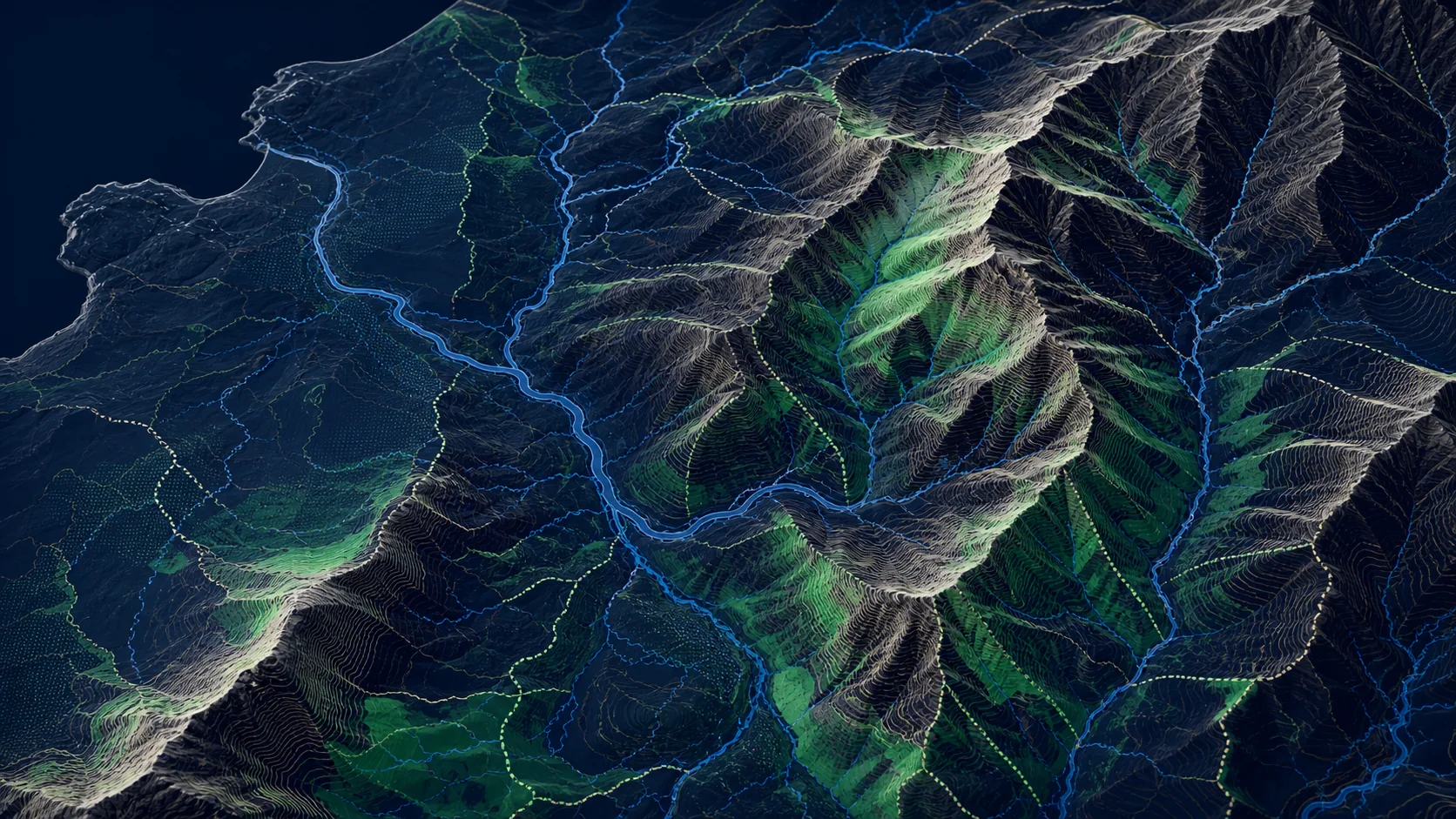
Illustrative 5m contours with hillshade. Choose the layers to include in your plan using the preview controls.
What OS Terrain 5 contains
OS Terrain 5 is a bare-earth height model of Great Britain. Ordnance Survey supplies it as a 5-metre grid, and also as contour lines with spot heights. Both come from the same source. The add-on lets you choose layers from both supplies for the plan you order.
Included
Ordnance Survey’s standard contour lines, labelled on a PDF or placed on their own CAD layer. Where the lines sit closer together, the ground is steeper.
Selectable layer
OS includes spot heights in the same contour download, under the same Terrain 5 licence. Select this layer to include the source points and their elevations.
Selectable layer
Select dense height points from the original 5-metre DTM grid. CAD points carry their actual Z elevation. The same grid also supplies optional shading and elevation colours.
Where it's used
Use the lines to read slope, likely surface-water direction and how a site sits in the surrounding land. They are the right starting point for a planning drawing or an early design conversation. Construction levels, setting out and a cut-and-fill model still need a measured topographic survey.
Drainage & SuDS
Earthworks
Planning & landscape
What you get
A PDF draws your selected terrain layers on the scaled map, with height labels where space allows. CAD keeps contours, height points, labels and terrain display layers separate beside the OS MasterMap linework. Grid points retain their original elevations as Z coordinates. Both are positioned on British National Grid, EPSG:27700, with heights relative to Ordnance Datum Newlyn.
01
Search by address or postcode, then refine the boundary or drawn area directly on the map workspace.
02
Choose your output format. Enable OS Terrain 5 and choose your terrain layers, or turn it off if you only need the base mapping.
03
Pricing is based on the area you select, so you see the total cost before checkout. Larger sites scale predictably.
04
Download your PDF with the selected terrain overlays, or CAD with separate terrain layers.
A guide to OS height data
A contour joins land at the same height. Lines packed together mark a steeper slope; wider gaps mark gentler ground. The labels show the height above Ordnance Datum Newlyn, so you can follow the rise and fall across the site and the land around it.
Neighbouring standard contours differ in height by 5 metres, for example 50m, 55m and 60m. That is a vertical interval. It is not the distance between the lines on the ground, and it is not a statement of survey accuracy.
OS Terrain 5 is the height product. Ordnance Survey supplies it as a 5-metre grid, which is the digital terrain model, and as contour lines with spot heights. Choose contours, native 5-metre grid height points, spot heights, shading and elevation colours. The downloaded plan contains the selected layers within its extent; it is not a raw national ASCII Grid download.
Spot heights are part of the OS Terrain 5 contour supply, and they are licensed with the same dataset as the lines. Select Spot heights to include these sparse source points, or 5m grid heights for the dense regular DTM points. Small sites may contain no sparse spot heights.
No. These are Ordnance Survey’s standard 5-metre contour lines. We do not generate closer contours by interpolating the height grid. A tighter interval needs a different dataset or a measured site survey.
Ordnance Survey publishes root mean square error figures for OS Terrain 5 height values: 1.5 metres in urban areas and along major communication routes, and 2.5 metres in rural, mountain and moorland areas. Those figures describe the height model, not a survey of your site. The lines are useful context for planning and early design. They are not a substitute for construction levels.
Choose PDF when you need a scaled drawing to view, print and attach to a planning submission. Choose CAD when you want editable DWG or DXF linework, with the contours on a separate layer. Both use the same 5-metre contour lines.
Use it to understand the wider landform before you commission a survey, and to show terrain context on a planning drawing. Do not use it for detailed drainage design, setting out, or earthworks quantities. Those need heights measured on the site.
A site can sit between two 5-metre levels without a contour crossing it. Widening the plan shows more of the surrounding land. The 5-metre interval will still miss small changes in ground level.
OS Terrain 5 covers Great Britain: England, Scotland and Wales. Northern Ireland is mapped separately and is not included.
No. The contour lines are licensed with the plan you buy from PlanningMapsUK. You can include that drawing in the application or design it was ordered for. Terrain 5 is charged as an add-on because it is a separate dataset from the base map.
You do not need your own Ordnance Survey contract. The contour lines are licensed with the plan you order and can go into that drawing. Terrain 5 is a separate dataset from the base map, which is why it is priced as an add-on. Published accuracy and product detail are in the Ordnance Survey Terrain 5 overview. For the base map, see our OS CAD plans or a PDF location plan.